
Wondering how bright an office should really be — or why some offices feel tiring by 3pm? Office lighting standards answer both. They are not paperwork — they are decades of research on comfort, productivity and eye strain, translated into numbers you can actually use.
This guide covers the recommended brightness levels, colour temperature and LED solutions for offices, so you can plan a lighting layout that is comfortable, efficient and compliant.
Table of Contents
Why Office Lighting Standards Matter
Standards exist because poor lighting creates problems that build slowly: eye strain, fatigue, headaches, lost focus and glare on screens. Get the basics right and employees stay comfortable through the whole day.
Employee Comfort
Even, glare-free light reduces the effort your eyes spend compensating for dim or uneven areas.
Productivity & Focus
Consistent brightness keeps attention on the task — research links lighting quality to task performance.
Eye Strain Reduction
Balanced luminance across screens and desks stops the constant re-focusing that causes tired eyes.
Workplace Safety
Clear walkways, stairs and emergency routes need defined minimum light levels at all times.
Recommended Brightness Levels for Offices
Office brightness is measured in lux (or foot-candles). The right level depends on the task — detailed work needs more light than corridors or break areas. Here is the practical range most commercial projects use:
| Office area | Recommended illuminance | Typical use |
|---|---|---|
| Open-plan / general | 300–500 lux | Computer work, reading, writing, movement |
| Task-intensive workstations | 500–750 lux | Drafting, detailed review, inspection |
| Conference / meeting rooms | 300–400 lux | Discussions, presentations, video calls |
| Corridors & circulation | 100–150 lux | Safe movement, wayfinding |
The goal is not maximum brightness. Over-lighting creates glare and fatigue exactly as under-lighting does. What matters is an even distribution — no bright pools, no dark corners — plus the right light on the actual task surface.
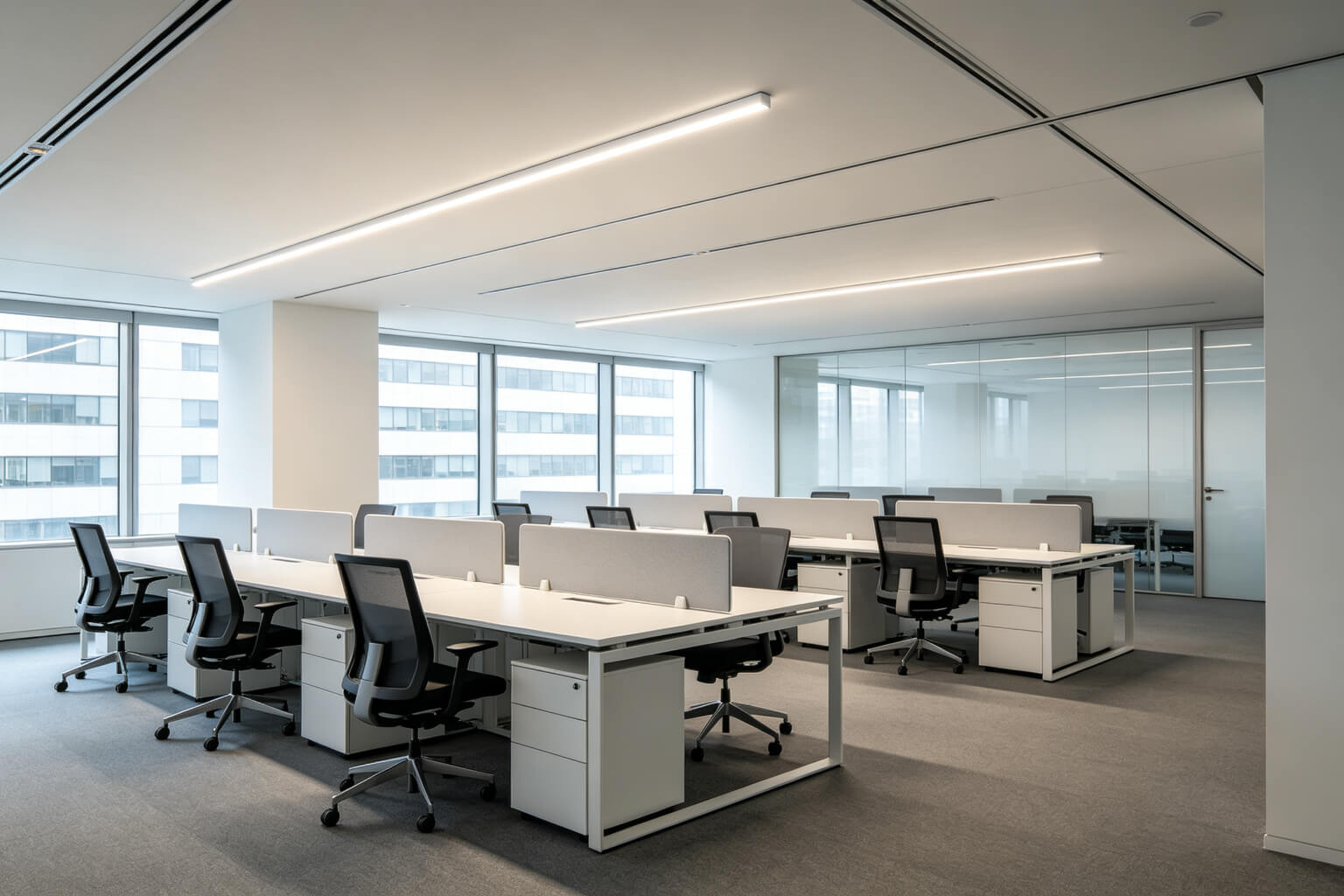
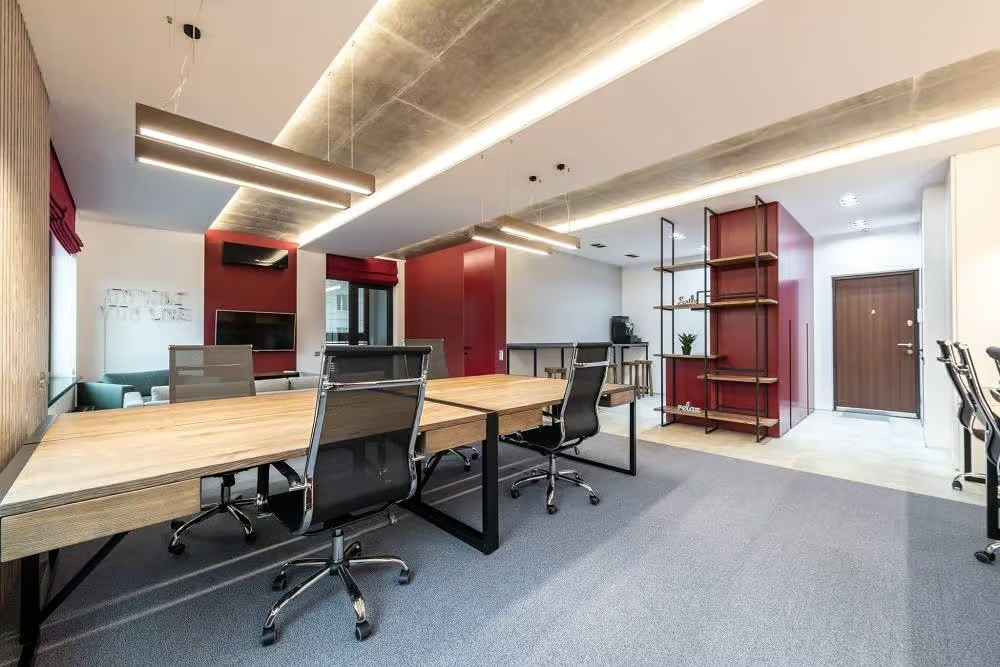
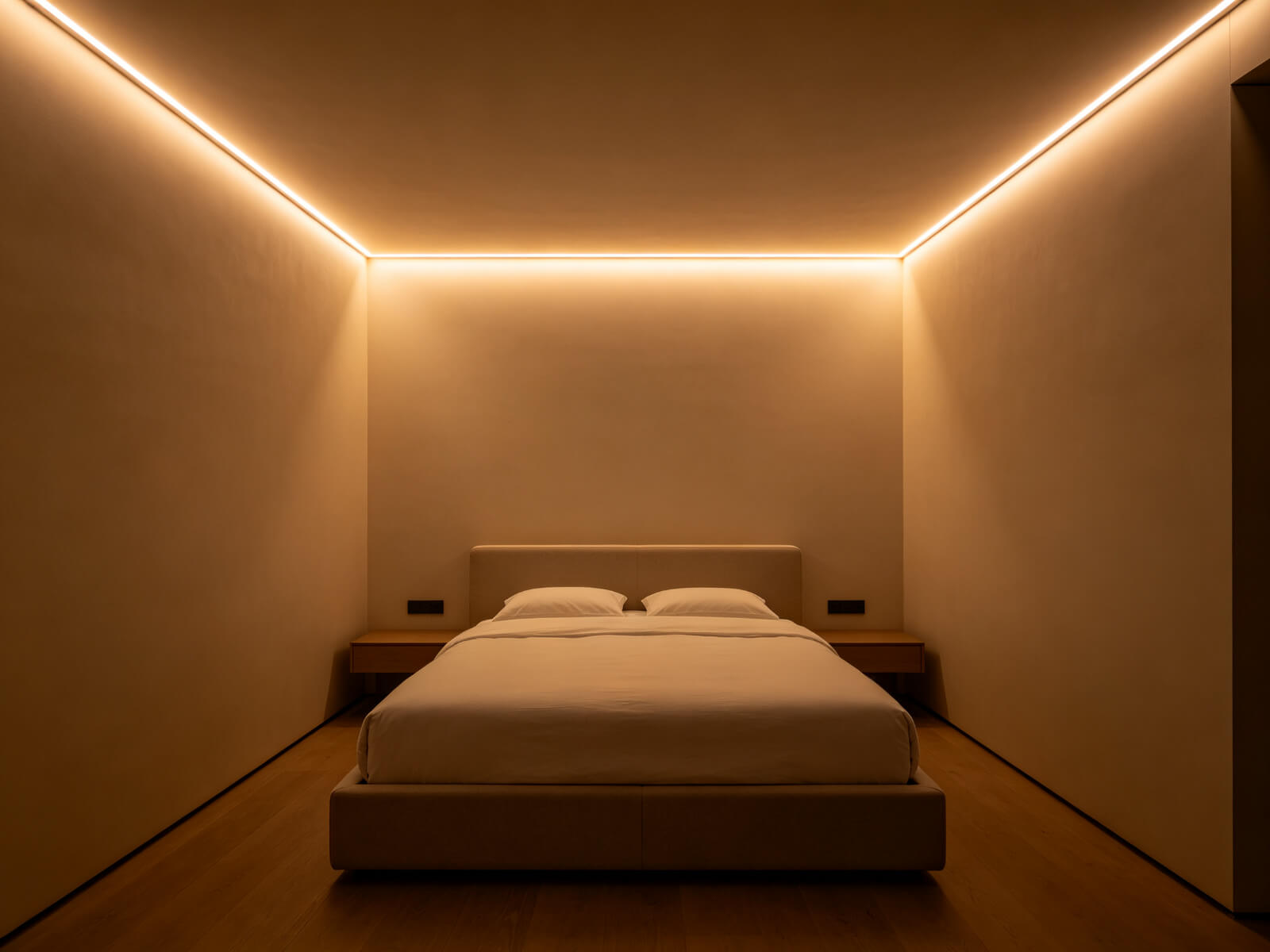
Colour Temperature & CRI for Offices
Brightness sets the level; colour temperature sets the feel. Measured in Kelvin (K), it should match the work and the interior:
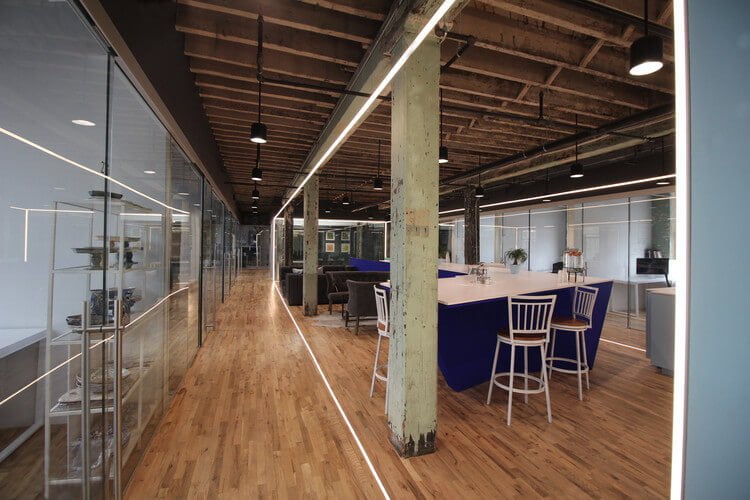
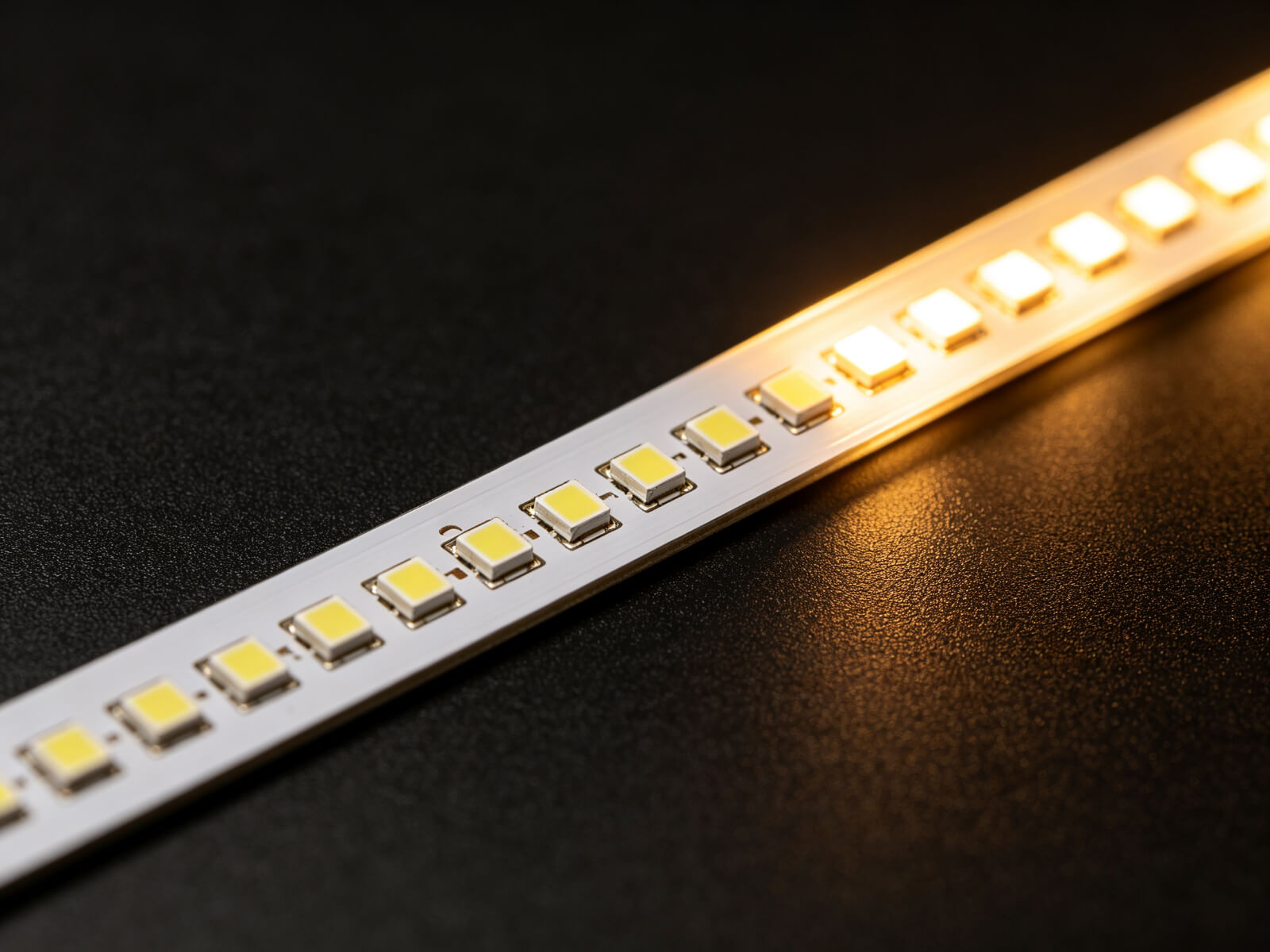
Aim for CRI 90+ so skin tones, papers and products look natural. If you are still deciding between tones, the LED office colour temperature guide breaks the options down in detail.
Best LED Solutions: Linear Lighting for Offices
Modern offices increasingly use LED linear lighting — an aluminum profile with an LED strip inside — because it delivers even, low-glare light in clean architectural lines, for less than conventional panels.


The full selection logic — ceiling interface, UGR, driver access — is covered in our commercial ceiling linear lighting guide. For the light source itself, COB strips give a dot-free premium line; SMD strips are the value choice.
Smart Controls & Dimming
Smart office lighting does three things: it senses people, harvests daylight and follows a schedule. Each one cuts energy use while keeping light where it is needed.
Occupancy Sensors
Lights turn on when people arrive and dim when a zone is empty — the fastest energy saving.
Daylight Harvesting
Lights near windows adjust automatically as daylight changes, keeping levels constant.
Scheduling Controls
Cleaning, night and weekend profiles run automatically — no one has to remember switches.
For dimming protocol, DALI is the flexible choice for large offices (per-fixture addressing), while 0–10V keeps cost down for simple zones. Both work with KayTai LED drivers — tell us the protocol when you send your layout.
LED Upgrade Checklist
Switching an office from fluorescent to LED is usually a fast win — lower energy, no flicker, better colour. Follow this sequence:
Audit the Space
Measure each zone and record current fixtures, light levels and where tasks happen.
Set the Targets
Choose the lux level per zone and a consistent colour temperature (4000K for most offices).
Pick the Layout
Plan continuous linear runs or panels with even spacing and no glare on screens.
Match Driver & Control
Size the LED power supply at 120–130% of load and pick DALI or 0–10V dimming.
Check UGR & CRI
Verify the UGR rating for screen work and insist on CRI 90+ for natural colour.
Measure After Install
Do a post-install light check with a lux meter — confirm targets before sign-off.
Common Office Lighting Mistakes
Most office lighting problems come from planning mistakes, not bad fixtures. Avoid these:
- Under-lighting task areas — detailed workstations need 500+ lux, not just general ambient light; add task light where needed.
- Glare on screens — bare fixtures in the field of view cause screen reflections; use diffused linear light and good UGR.
- Flickering fixtures — old fluorescent ballasts and incompatible dimmers flicker; LED with matching drivers eliminates it.
- Mixing incompatible dimmers and LEDs — not every dimmer works with every LED driver; check compatibility before install.
- Inconsistent colour temperature — mixing 3000K and 5000K in one floor looks unprofessional; standardize one tone.
- Ignoring emergency and exit lighting — these are separate requirements; plan maintained or non-maintained emergency modules.
- Skipping post-install checks — always measure lux and check for hotspots after installation, before handover.
Office Lighting FAQs
▶What are office lighting standards?
Office lighting standards are recommended levels for brightness, glare and colour quality in workplaces, based on research into visual comfort, productivity and safety. They translate into practical numbers like lux levels and UGR ratings.
▶How bright should offices be?
General open-plan offices typically use 300–500 lux, task-intensive workstations 500–750 lux, and corridors 100–150 lux. Even distribution matters as much as the peak value.
▶What colour temperature is best for offices?
4000K neutral white is the office standard — crisp and alert without feeling cold. Use 3000K for meeting and breakout areas, and 5000K only for technical detail work.
▶Are LEDs better for office spaces?
Yes. LED linear lighting uses up to 60% less energy than older fluorescent, has no flicker, offers better colour (CRI 90+) and lasts tens of thousands of hours with far less maintenance.
▶How can offices reduce lighting costs?
Combine three levers: LED retrofits for efficiency, occupancy and daylight sensors to switch off unused zones, and dimming so you never run at full power when it is not needed.
Ready to Upgrade Your Office Lighting?
Send us your floor plan and target lux levels — our factory team will recommend the linear profile, LED strip and control package, with free samples available.
Contact KayTai
Great summary of the standards. The lux level table is a handy quick reference for audits and lighting surveys. It is hard to find guidance that connects standards to real fixture choices, so this fills a gap I have not seen covered well.
The task vs ambient lighting comparison is excellent. I referenced it in a lighting spec for a client this week. More practical guides like this would be very welcome.
The lux table for task areas is genuinely useful for office fit-outs. The note that a 4000K neutral white suits screen-heavy work better than cooler 6500K matched what we found on site. The section on glare control could save a lot of retrofits.