
The three-layer framework — ambient, task and accent — works in every gaming room, but it has to be tuned for the space you actually have. This guide covers the three most common setups that the standard advice forgets: streaming (camera matters), renting (paint matters), and TV/console play (size matters). Each section stands alone — jump to yours.
Table of Contents
1. Streaming: Make It Read on Camera
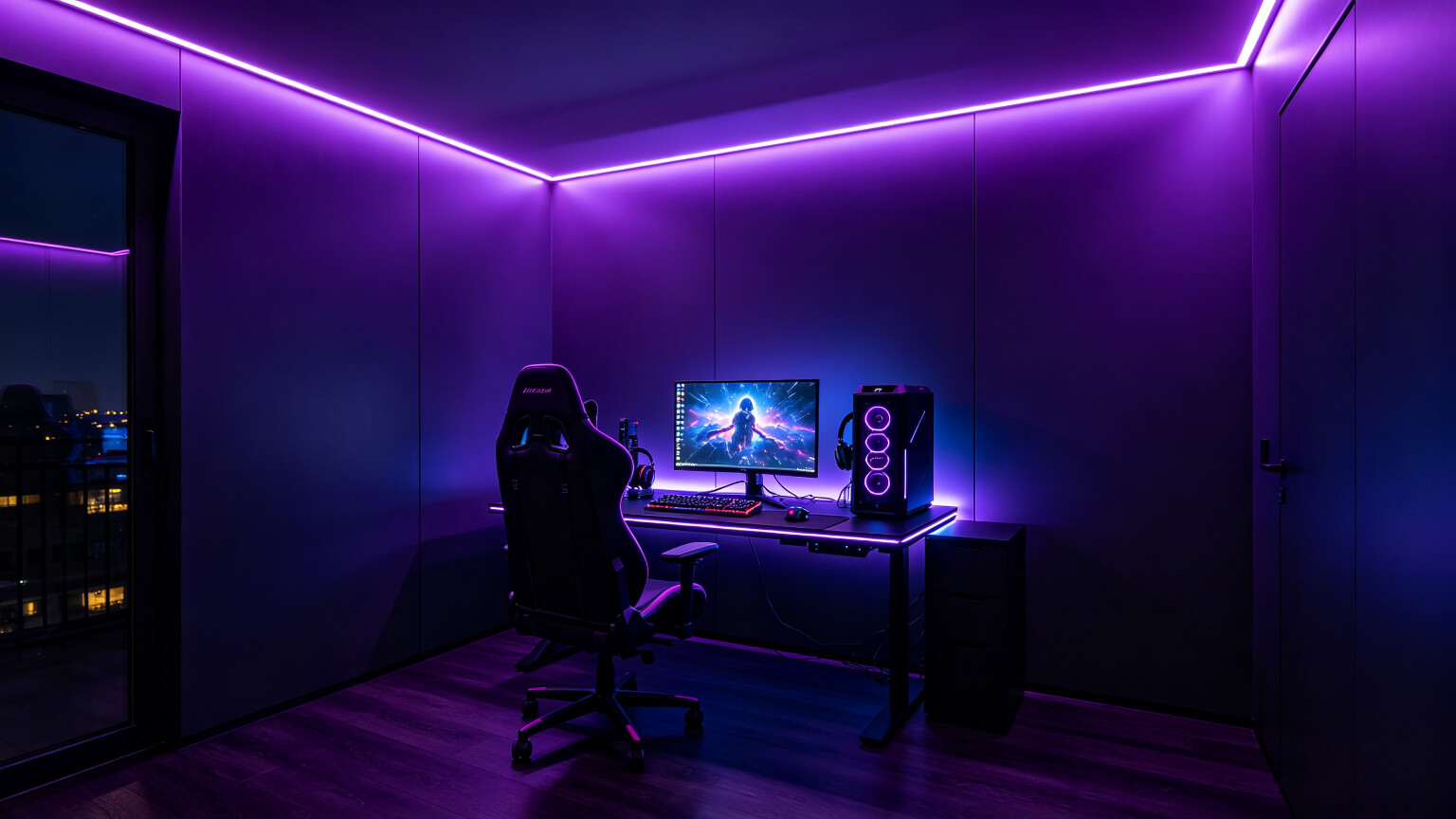
A lighting setup that looks incredible in the room can look terrible on camera — camera sees light differently than eyes do. A webcam, with its limited dynamic range and aggressive compression, turns smooth rainbow gradients into banding, crushed blacks and colour noise. A single solid colour compresses cleanly, keeps skin tones accurate, and reads as an intentional background. For streaming, solid single-colour backgrounds photograph more consistently than gradients.
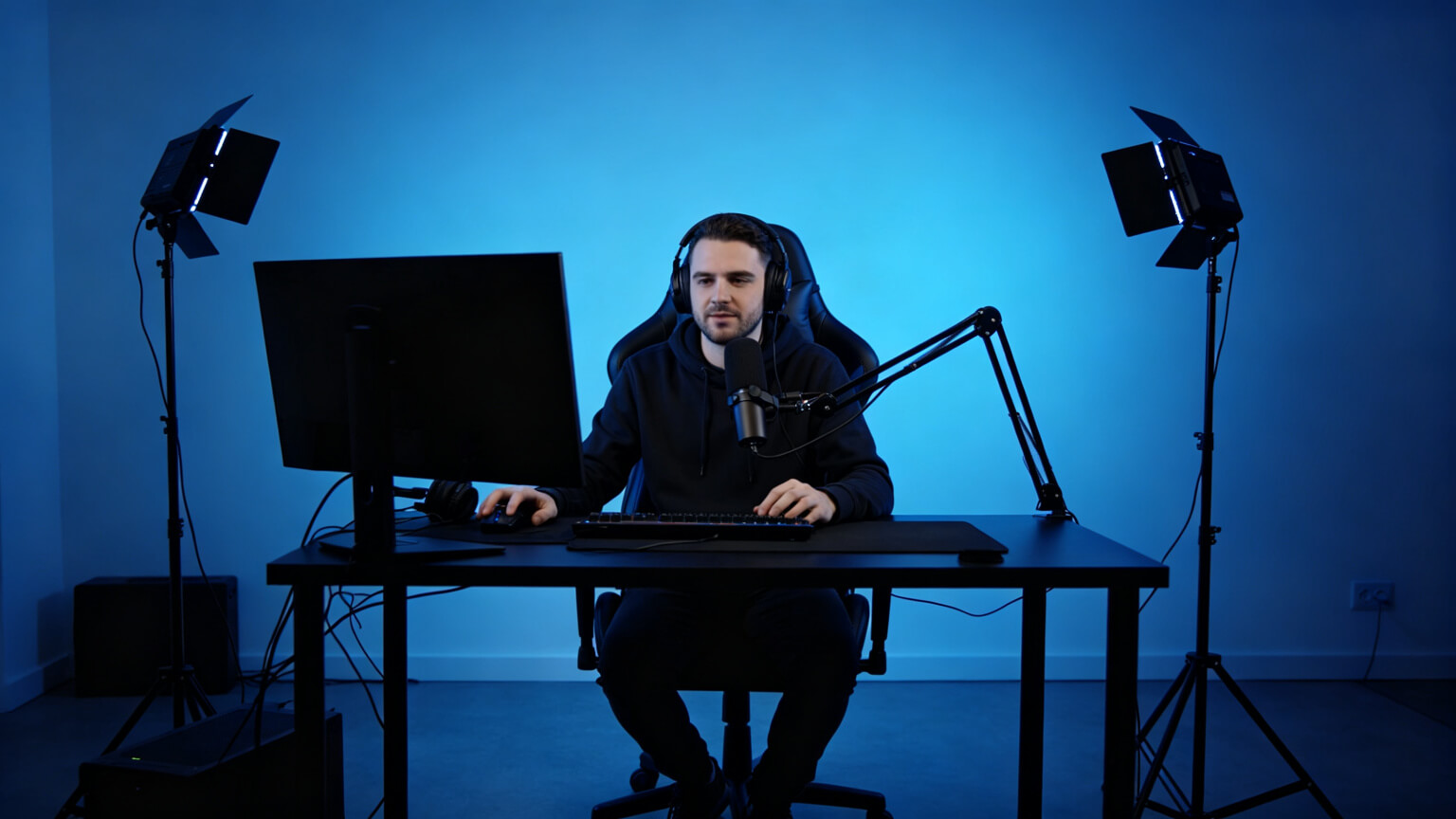
| Role | Job | Placement | Typical light |
| Key light | Lights your face | 45° left/right, above eye line | Panel or ring light, 4500–5500K |
| Fill light | Softens shadows | Opposite side, lower power | Small panel at 30–50% power |
| Background | Separation and mood | Behind you, out of frame or at the edge | Single-colour strip, low brightness |
The key rule: your face should always be brighter than your background. If the background glow competes with your face, the camera exposes for the bright area and underexposes you. Keep background strips around 30–40% of monitor brightness, diffuse everything (channels or frosted covers kill dots and banding on camera), and never put a bare strip in frame. Before going live, check white balance, exposure on your face, banding, screen glare and a dark game scene.
2. Renters: The Glow Without Losing Your Deposit
Most gaming lighting advice quietly assumes you own the room. If you rent, the stakes are simple: you want the glow without losing your deposit. The renter-friendly options, in order of paint safety:
| Method | Paint safety | Hold strength | Best for |
| Command-style clips | Excellent — removable | Good for light strips | Desk edges, shelves |
| Aluminium channel + clips | Excellent — no tape on wall | Very strong | Visible runs, coves |
| Magnetic strips | Excellent — zero adhesive | Good on metal frames | Desk and PC cases |
| Bare 3M tape | Risky — residue and peel | Good until it fails | Avoid on painted walls |
The channel trick deserves attention: the channel mounts with a few removable clips (or stands on the floor behind furniture), and the strip slides in. Nothing touches the wall directly — your deposit stays intact and the light line looks built-in. A small bedroom needs just three things: one strip under the desk edge (the highest impact per metre), one short neutral-white run behind the monitor for bias lighting, and one shielded desk lamp for the task layer.
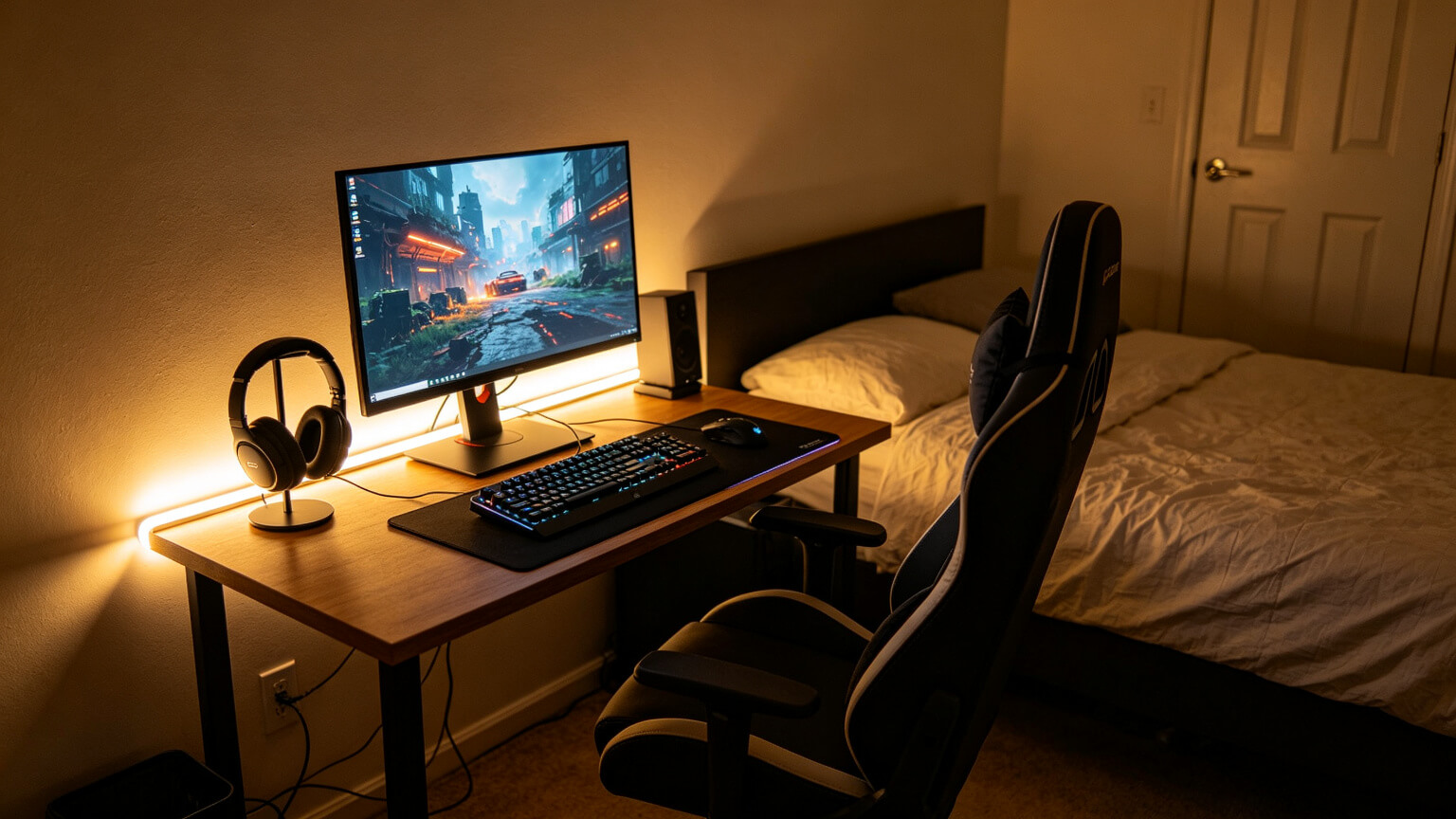

In a shared room, contain the glow: strips under the desk and behind the monitor throw light down and back, not across the room. Use a low “quiet” preset for night sessions, switch to warm tones after dark, and give your roommate control of the scene. The honest rule about paint: the risk is the tape, not the light — about 26.8% of negative strip reviews cite adhesion failure, so avoid bare adhesive on painted walls and your deposit is safe.
3. TV and Console: Same Rules, Bigger Screen
Move from a monitor to a TV and the principles stay identical — bias light neutral white, ambient at 30–40%, accent in one colour — but the hardware choices shift:
| Factor | PC monitor setup | TV / console setup |
| Screen size | 24–32” | 55–85” — the wall behind is huge |
| Viewing distance | 60–80 cm | 2–4 metres — dots less visible, glare more |
| Run length | 1–3 m | 3–10 m around the TV — needs 24V |
| Mounting | Desk hides everything | Open wall — hiding cables is harder |
OLED makes contrast the star — true blacks, brilliant highlights — which is exactly why a dark living room hurts more: the black wall behind a bright screen creates a 10:1 or worse ratio. For OLED, bias lighting matters more, not less: neutral white 6500K only (colour backlights distort black levels), around 10% of peak white, run along the whole back edge of the TV, with a dimmable driver. For long runs, use 24V to avoid voltage drop beyond 5 metres, route the cable behind the panel, and use a slim painted raceway down the wall corner.
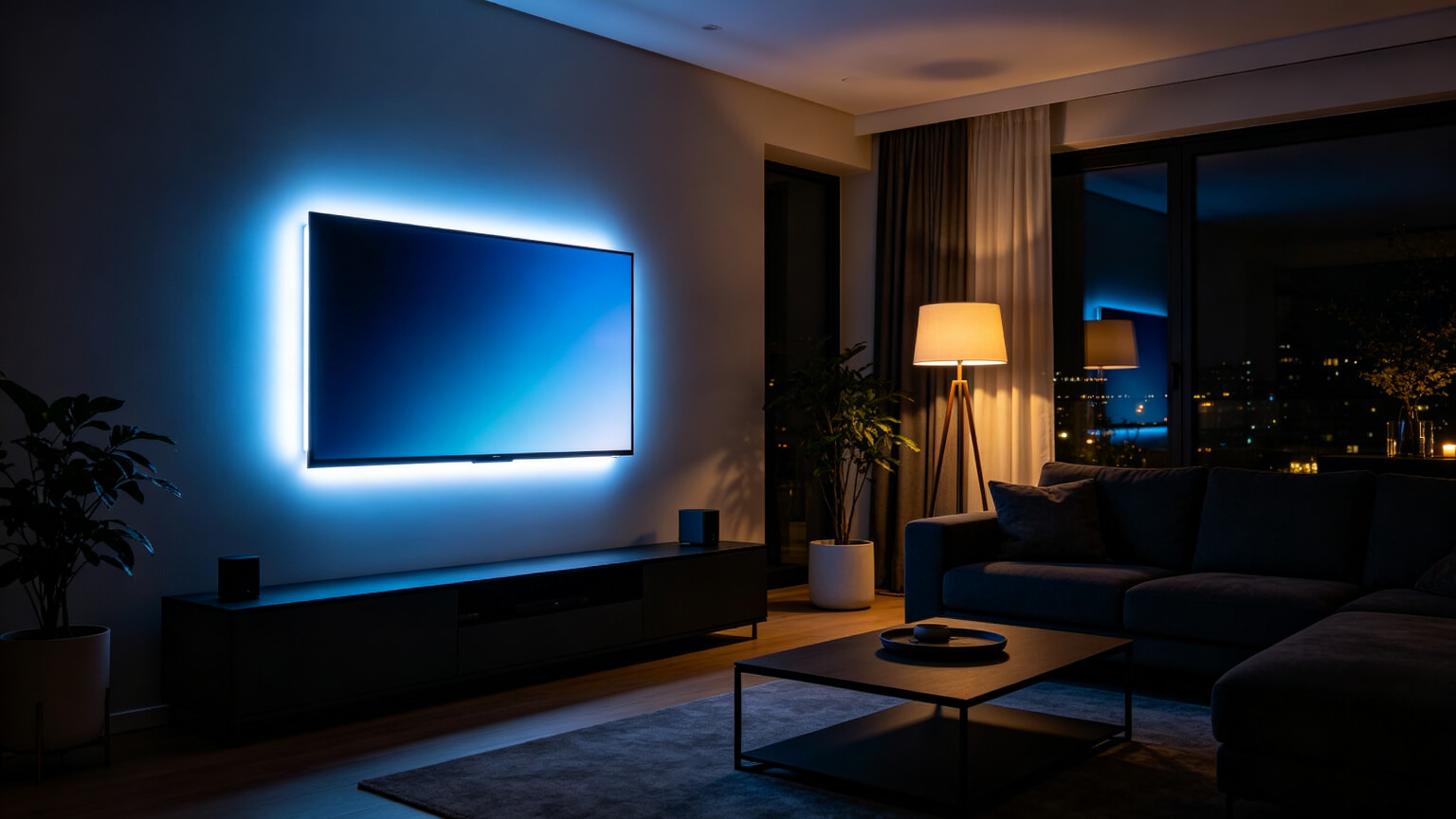
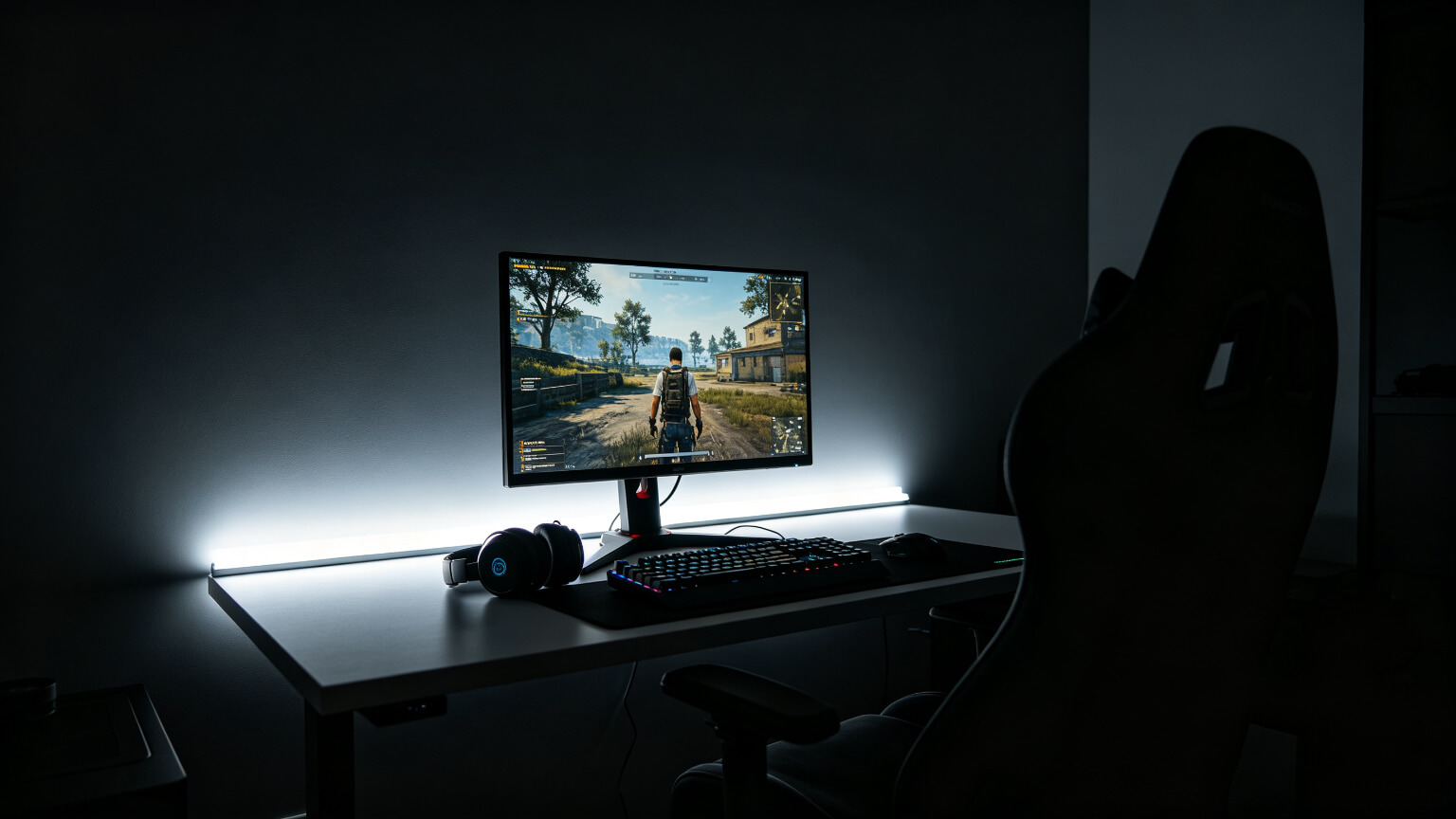
In a shared living room, restraint is the whole game: one clean neutral backlight, one subtle accent hue on a feature wall, and a warm under-glow on the media cabinet. Save two scenes — “movie” (all dim warm) and “game” (backlight on). One clean system beats a full room of glow, and your household will thank you.
4. The Principles All Three Share
| Principle | Streaming | Renting | TV / console |
| Bias light | 6500K neutral at ~10% | Short run behind monitor | Full perimeter, 6500K, ~10% |
| Ambient | 30–40% of monitor | Under-desk glow | Cabinet under-glow, warm |
| Accent | One camera-friendly hue | One colour, removable | One hue, restrained |
| Key habit | Face brighter than background | No tape on painted walls | 24V for long runs |
Every setup in this guide runs on the same core: the full three-layer system is explained in our how to light a gaming room guide, with the installation guide covering the craft side and the colour guide covering the mood side.
5. Frequently Asked Questions
▶What lighting do I need for streaming?
A three-point setup: a key light on your face, a fill light to soften shadows, and a single-colour background strip. Your face should always be brighter than the background.
▶Do LED strips damage paint?
The strip itself rarely damages paint; the risk is the adhesive. Bare 3M tape can leave residue or peel paint on removal. Removable clips or channels avoid the wall entirely.
▶Should I put LED strips behind my TV?
Yes — but use neutral white 6500K at low brightness for bias lighting. Coloured light behind a TV distorts on-screen colour, especially on OLED.
▶Can I get a gaming setup in a small bedroom?
Yes. One strip under the desk, one behind the monitor, and a small desk lamp covers ambient, bias and task light in under two metres of strip.
▶What colour background is best for streaming?
Purple, blue or teal read best on camera — calm, flattering to skin tones, and easy to expose. Avoid bright white backgrounds that blow out in compression.
Spec Your Setup, Whatever the Room
Tell us your room type — streaming corner, rented flat or living-room TV — and we will spec the strips, channels and drivers, factory-direct with free samples.
Contact KayTai
As a streamer this guide hits the right notes. Desk lighting for the webcam is covered in practical detail, and the rental advice is a nice extra. Bias light placement tips helped reduce eye strain during long sessions.
Helpful guide for streamers. The advice on lighting a desk setup for webcam clarity is practical, and the section on rentals covers an angle most guides skip. Bias lighting tips are a nice bonus for reducing eye strain during long sessions.
As a streamer this guide hits the right notes. Desk lighting for the webcam is covered in practical detail, and the rental advice is a nice extra. Bias light placement tips helped reduce eye strain during long sessions.
Useful breakdown of ambient vs accent for streams. The tip about keeping bias light behind the monitor rather than RGB strips everywhere matches what our channel viewers respond to. The colour temperature advice for daytime streams was a genuinely new point for me.